Best Travel Apps for Japan: What to Download Before You Go
By TripNoted · November 13, 2026
For a first trip to Japan, start with Google Maps for places, Japan Travel by NAVITIME for rail routes, Google Translate for language, and TripNoted for your bookings. Add SmartEX if you plan to book a journey on its Shinkansen routes. Set them up before departure, so arrival feels easy.

Each app has a different job. You can find a restaurant in Maps, check a train in NAVITIME, and keep the hotel address beside your arrival plan in TripNoted. Here is what to prepare, what works offline, and when an extra app earns its place on your phone.
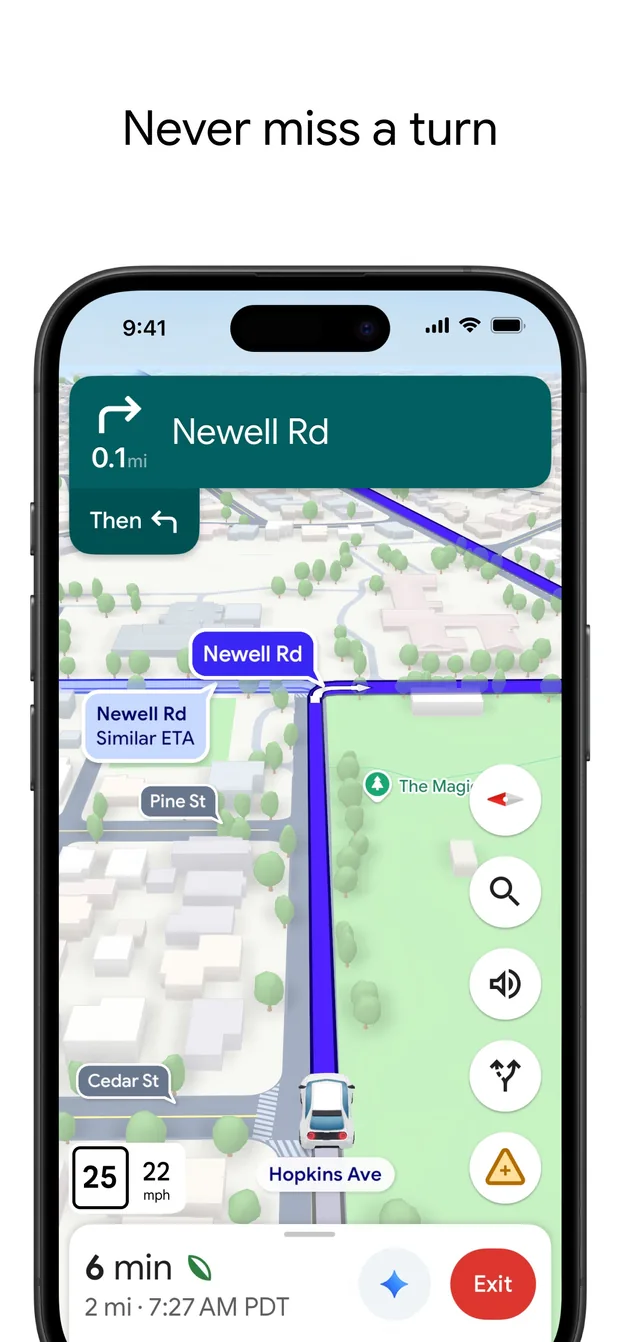
1. Google Maps: find places and the last part of the journey
Use Google Maps to find your hotel, save places to eat, and check how to reach your next stop. It is especially useful when you want to see where a place sits in relation to a station or another plan.
Save the exact property rather than just its neighborhood. Before arrival, look at the entrance, street, and nearby station. A large station can have several exits; check the route to the address you will actually use.
- Save your essentials. Start with your stay, arrival station, and first meeting point. Use a trip list to keep them together.
- Download the area while connected. On iPhone, tap your profile picture, then Offline maps → Select your own map. Select the area and download it if available.
- Check directions while online. Downloaded Google Maps areas do not provide offline transit, walking, or cycling directions. Save the key arrival details separately.
An offline map can still help you see where you are. Confirm that your Japan area downloads before you leave; availability varies by region. Our guide to Google Maps lists for travel shows how to organize saved places.
2. Japan Travel by NAVITIME: compare Japan rail routes
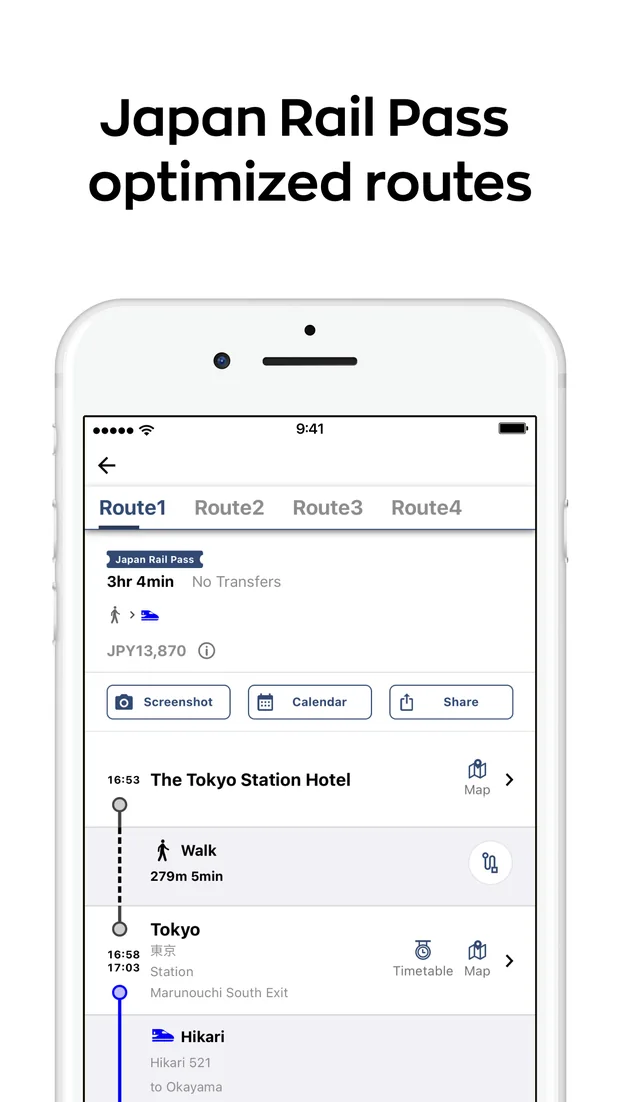
Japan Travel by NAVITIME is useful when the question is which train to take. It brings Japan’s transport options into one route search, including Shinkansen, JR trains, subways, buses, and walking connections.
Use it before you fix a day’s plans. Check the departure station, transfers, and arrival station. If you have a rail pass, look at the pass-aware route options and confirm that the journey fits your pass.
Search for Japan Travel – Smart Transit on the iPhone App Store or Japan Travel–Trip & Shinkansen on Google Play. Check that the developer is NAVITIME JAPAN.
The current listings include offline station, rail-map, Wi-Fi-spot, ATM, and currency-exchange lookup. Treat those as reference tools. Use a connection for current route information and recheck the station displays before boarding.
Once you choose a train, keep its date, station names, and booking reference with the rest of your trip. Our guide to organizing train bookings explains which details are useful on travel day.
3. Google Translate: prepare for menus and short questions
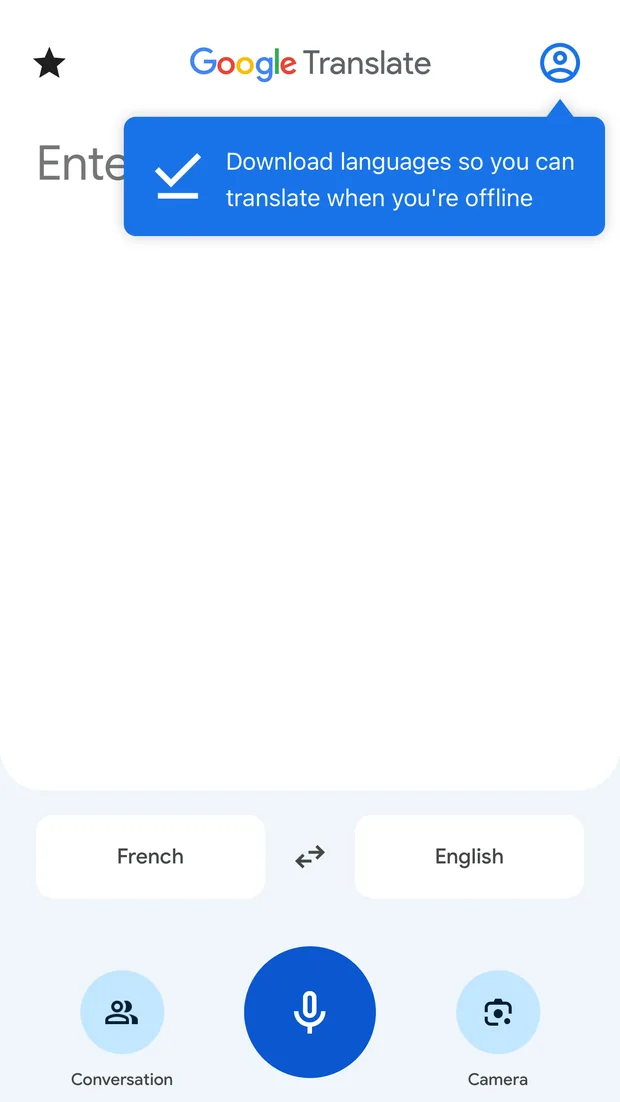
Google Translate is handy for a sign, menu, or short question when you do not share a language. Keep the wording simple. A hotel name, address, or clear sentence is easier to use than a long paragraph.
Download Japanese and your own language over Wi-Fi before the trip. On iPhone, tap a language, then its download icon. Check that Downloaded appears. If there is no download icon, that language is not available to save.
Use typed text as your offline fallback. Camera translation is available for some downloaded languages, but feature support varies. Check your chosen language pair on the phone you will take, rather than assuming every camera or speech feature works offline.
Keep your accommodation’s Japanese name and address in your arrival notes too. You can show the address directly when that is easier than translating it.
4. TripNoted: keep the whole trip together
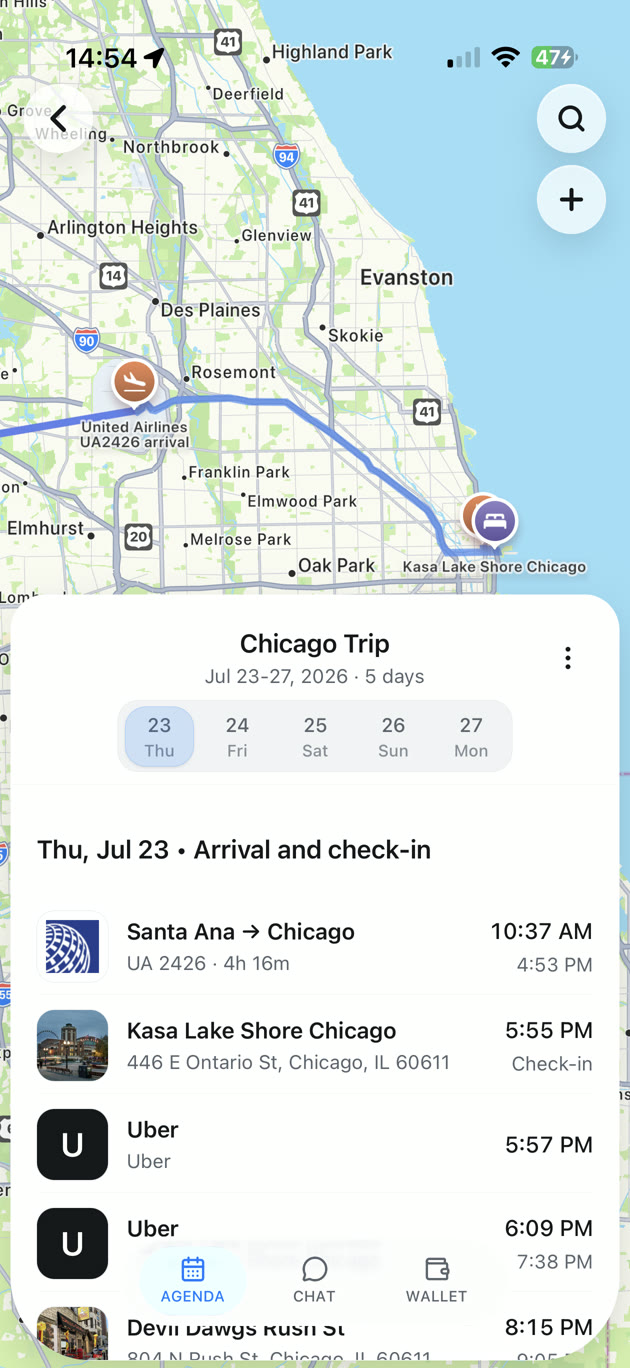
Maps finds the place. A rail app finds the journey. TripNoted gives those plans a home beside your flights, hotel stays, and booking details, so you can open one agenda and see what comes next.
With TripNoted, you can connect Gmail for recognized booking imports or add your plans manually. Gmail is optional. Add a train plan with its stations and local departure time, then place your hotel and dinner plans around it.
Share the trip with your travel companions and give them view or edit access. You can prepare the trip on the web, then take the iPhone app with you. Offline access is included in Free: load your trip before departure and keep the downloaded details ready when the connection drops.

Before you go, open the arrival day on your iPhone and check the hotel address, flight details, and next plan with Wi-Fi and mobile data off. Use our offline itinerary preparation guide for the full check.
5. SmartEX: book a covered Shinkansen journey
Add SmartEX if you want to reserve a train on the Tokaido, Sanyo, or Kyushu Shinkansen. These routes run between Tokyo and Kagoshima-Chuo, including a common first-trip journey from Tokyo to Kyoto.
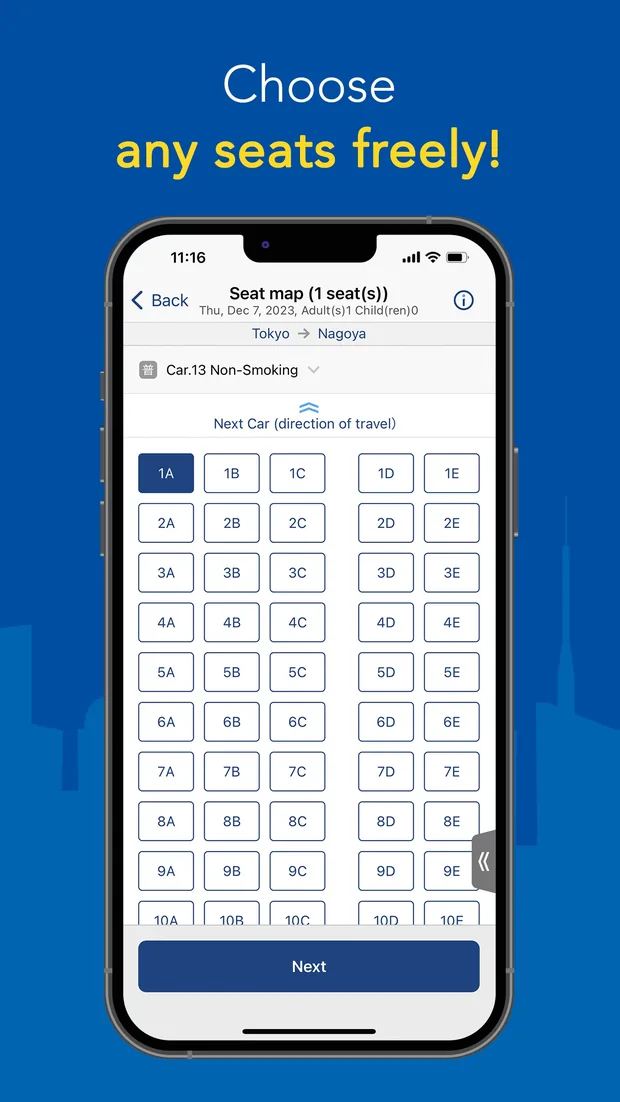
The service lets you choose seats and manage reservations. It is a booking tool for those routes, so use your route planner to decide where to go first. Other rail lines need their own booking method.
The app is available for iPhone and Android in the US and selected other regions. If it is not offered in your store region, the operator also provides booking on the SmartEX website.
Set up your account before the day you need it. Make the reservation while connected, check your boarding method, and follow the operator’s ticket instructions. Keep the actual ticket or required boarding app ready as well as the itinerary entry in TripNoted.
Put the apps to work on one arrival day
Imagine you land in Tokyo, stay near a station, and travel to Kyoto later in the trip. Prepare a few useful details rather than filling your phone with apps.
- In Maps: save the hotel and check its entrance and route from the arrival station.
- In NAVITIME: compare the airport connection and your later Tokyo-to-Kyoto journey.
- In Translate: download your language files and try a short typed phrase offline.
- In TripNoted: put the flight, stay, and chosen train in the right days. Share the trip so everyone can find the plan.
- In SmartEX, if you use it: reserve the covered train and prepare the boarding method the operator requires.
Do this once before departure. On arrival, your next address and plan are ready, and you know which app to open for a live route or ticket.
Japan travel apps at a glance
| App and main job | Platforms | Offline preparation |
|---|---|---|
| Google Maps — places and local directions | iPhone and Android | Download your area if offered. Transit, walking, and cycling directions need a connection. |
| Japan Travel by NAVITIME — Japan transport routes | iPhone and Android | Listings include station and rail-map reference tools. Check current journeys while connected. |
| Google Translate — language help | iPhone and Android | Download Japanese and your language. Check offline text first; other features vary. |
| TripNoted — bookings and day plans | iPhone and web | Load the trip in the iPhone app. Free includes saved trip details offline. New imports and syncing need a connection. |
| SmartEX — covered Shinkansen reservations | iPhone and Android in supported regions; web booking | Prepare reservations and your boarding method online. Keep the operator’s ticket instructions. |
Questions before you download
Which Japan travel apps should I set up first?
Start with Maps, Translate, and your trip agenda. Add NAVITIME when you plan rail journeys, and SmartEX when you want to book one of its covered Shinkansen routes. Sign in and finish downloads at home.
Can I use this setup without mobile data?
You can prepare useful saved details: a downloaded map where available, language files, and your TripNoted itinerary on iPhone. Live route searches, new bookings, and fresh updates need a connection. Open the saved items once with Wi-Fi and mobile data off before you travel.
Does SmartEX book every train in Japan?
No. It covers the Tokaido, Sanyo, and Kyushu Shinkansen. Check the operator for other trains. Keeping the train in TripNoted helps organize the day; follow the rail operator’s instructions for boarding.